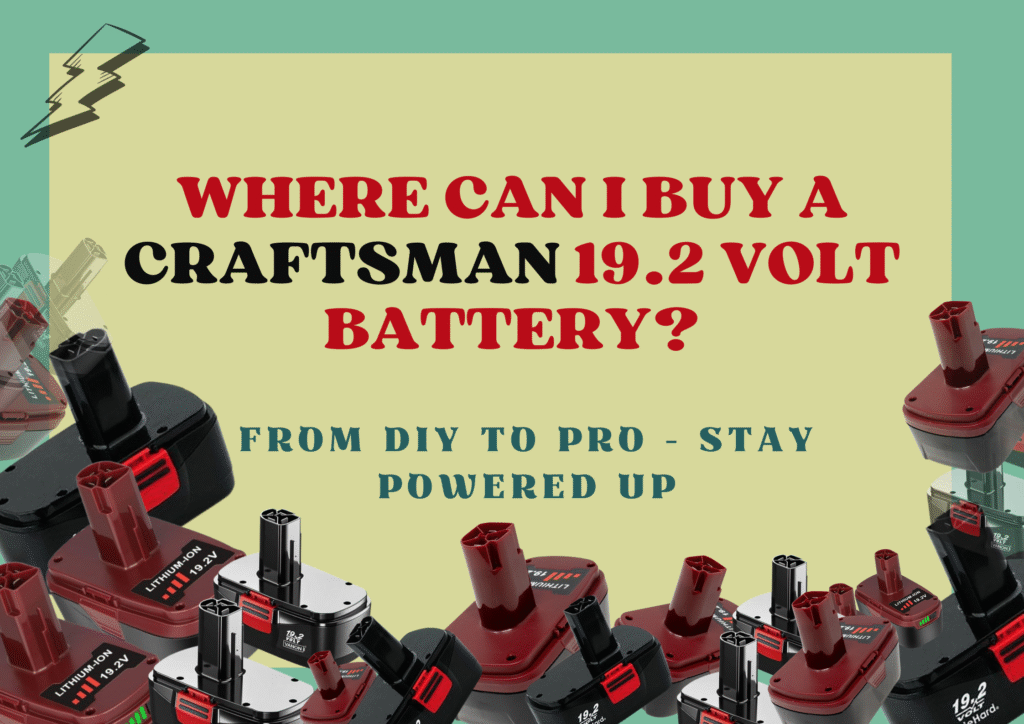
If you own a Craftsman 19.2 volt battery or tools powered by it, you know the convenience of cordless equipment. No cords to trip over, no searching for outlets, and full freedom to move wherever you need. But like all rechargeable batteries, your Craftsman 19.2 battery will lose capacity over time if not cared for properly. Small habits can make a big difference in extending its lifespan, keeping your tools ready for use when you need them most. Here’s a detailed guide to help you get the most out of your battery.
Charge It Correctly from the Start
The first time you charge a new Craftsman 19.2 volt battery sets the tone for its lifespan. A full initial charge balances the cells inside and ensures consistent power delivery. Although modern lithium-ion batteries don’t suffer from the old “memory effect” seen in nickel-based batteries, it’s still a good habit to fully charge your battery before first use. Avoid leaving it partially charged right out of the box. Always use the charger that came with your battery, or a certified replacement. Using a non-compatible charger might fit the connector but deliver the wrong voltage or current, potentially damaging the cells.
Avoid Draining the Battery Completely
It’s tempting to run your battery until it dies completely, but this stresses the cells. The Craftsman 19.2 battery performs best when you recharge it before it’s fully depleted. If your tool slows down during use, it’s time to plug in. Leaving the battery fully discharged for long periods can permanently reduce its runtime. By recharging when partially drained, you give the battery a chance to maintain optimal performance over hundreds of cycles.
Store Batteries Safely
Where and how you store your battery matters. Extreme temperatures are the enemy of lithium-ion batteries. Keep the battery in a cool, dry place away from direct sunlight, heaters, or cold environments. If you plan to store a battery for several weeks, charge it to about 40–60% before putting it away. This partially charged state helps preserve the chemical stability inside the cells and prevents them from losing capacity while idle. Avoid leaving your battery inside a tool or charger for long-term storage.
Keep Contacts Clean
Even a small layer of dust, debris, or grime on the battery contacts can affect performance. Dirty contacts can reduce power output or prevent proper charging. Wipe the battery and tool contacts with a dry cloth regularly. Avoid liquids, sprays, or harsh cleaners that could corrode the metal. Checking the contacts every few weeks is a quick habit that saves headaches and maintains consistent tool performance.
Use Your Battery Regularly
A Craftsman 19.2 battery stays healthy when used. Letting it sit unused for months can harm the cells. If you have multiple batteries, rotate their use. This ensures that no battery sits idle for long periods while others do all the work. Even occasional use keeps the chemical reactions inside active, which helps preserve capacity.
Don’t Overload Your Tools
Your Craftsman 19.2 battery delivers the best results when your tools are used as intended. Heavy-duty applications beyond a tool’s design can overheat the battery, reducing its lifespan. High-resistance tasks or prolonged high-torque jobs make the cells work harder, generating heat. This stress can cause the battery to wear out faster. Use tools within their intended limits and avoid forcing them through tasks that require more power than they were designed to handle.
Avoid Extreme Temperatures During Use
Temperature not only affects storage but also daily operation. Using a battery in freezing or extremely hot conditions can temporarily reduce runtime and potentially harm the cells if repeated. For example, working outdoors on a scorching summer day or in subzero temperatures in winter will affect battery performance. If possible, allow the battery to warm up or cool down to a moderate temperature before using it.
Refresh Your Battery Occasionally
If your battery’s runtime seems shorter than usual, a refresh cycle might help. Fully charge it, then discharge it through normal tool use until nearly empty. Repeat once or twice. This can rebalance the cells and restore some lost capacity. While it won’t revive a completely worn-out battery, it can help correct minor imbalances and extend the battery’s usefulness.
Watch for Signs of Aging
All batteries eventually degrade. Signs that your Craftsman 19.2 battery needs replacement include: rapid power loss, slow charging, overheating during use, or strange indicator lights. Ignoring these signs can stress your tools, potentially causing them to overwork or fail. Replacing an old battery before it completely fails keeps your tools running efficiently and prevents interruptions during projects.
Choose Quality Replacements
When the time comes to replace a battery, quality matters. Opt for genuine Craftsman batteries or trusted third-party replacements from reputable vendors. Cheap, unbranded alternatives might save money upfront but can provide inconsistent power, shorter lifespans, and even safety risks. High-quality replacements often include built-in safeguards against overcharging, overheating, and short circuits, giving you peace of mind while you work.
11. Additional Maintenance Tips
- Avoid leaving the battery on the charger constantly. Even if your charger has an automatic shut-off, prolonged trickle charging can stress the cells.
- Handle the battery gently. Dropping it can damage internal cells or housing.
- Clean your tools. Dirt, sawdust, and debris can affect battery connection and performance.
How to Repair a Craftsman 19.2V Battery
A Craftsman 19.2V battery can sometimes stop holding a charge or fail to power your tools. Before replacing it, try a few simple fixes that often bring it back to life.
First, check the contacts on both the battery and charger. Dirt or corrosion can block the connection. Wipe them clean with a dry cloth. Then, make sure you’re using the correct Craftsman charger. Using an incompatible one can prevent proper charging.
If the battery still doesn’t charge, try a “jump-start.” Connect it briefly to a fully charged Craftsman 19.2V battery using small jumper wires. Match positive to positive and negative to negative for about 30 seconds, then place it in the charger. This can wake up deeply discharged cells.
For NiCd versions, you can try several short charge and discharge cycles to restore capacity. Use the tool until it slows down, then recharge. Repeat a few times.
If none of these steps work, the internal cells may be worn out. Rebuilding or replacing the pack is often the most practical solution.
With regular cleaning, proper charging, and moderate use, your Craftsman 19.2V battery can stay reliable for years before needing replacement.
In A Nutshell
Taking care of your Craftsman 19.2 battery doesn’t require complex tools or specialized knowledge. Charge properly, avoid full discharges, store in a safe environment, and use your battery regularly. Keep contacts clean and rotate batteries if you have more than one. Watch for signs of wear and use quality replacements when needed.
With these habits, your Craftsman 19.2 battery can deliver consistent performance and last through many projects. The right care ensures you get the most runtime, reliability, and efficiency from your tools. A well-maintained battery saves money, reduces frustration, and keeps your work moving smoothly, whether you’re a DIYer or a professional.