


Filter by brands
 DellDell 19
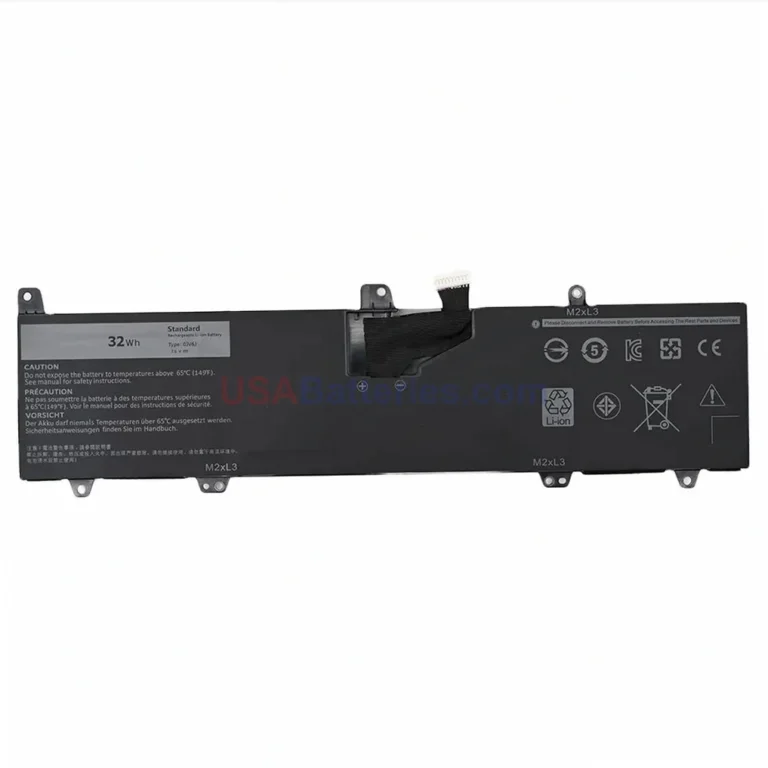
Dell 0JV6J Battery for Inspiron 11 – 3162, 3164, 3168
In stock
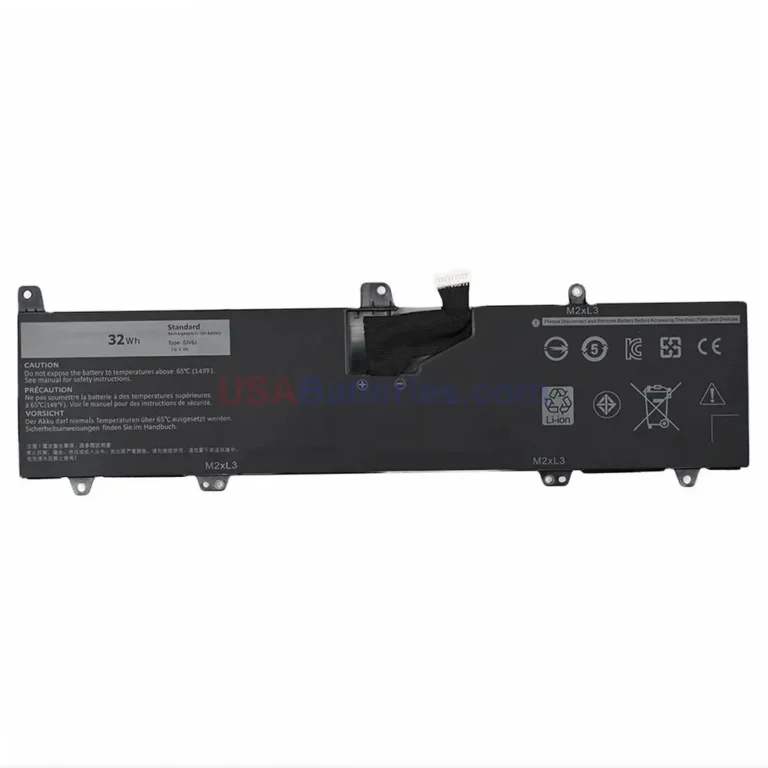
Dell 0JV6J Battery for Inspiron 11 3162
In stock
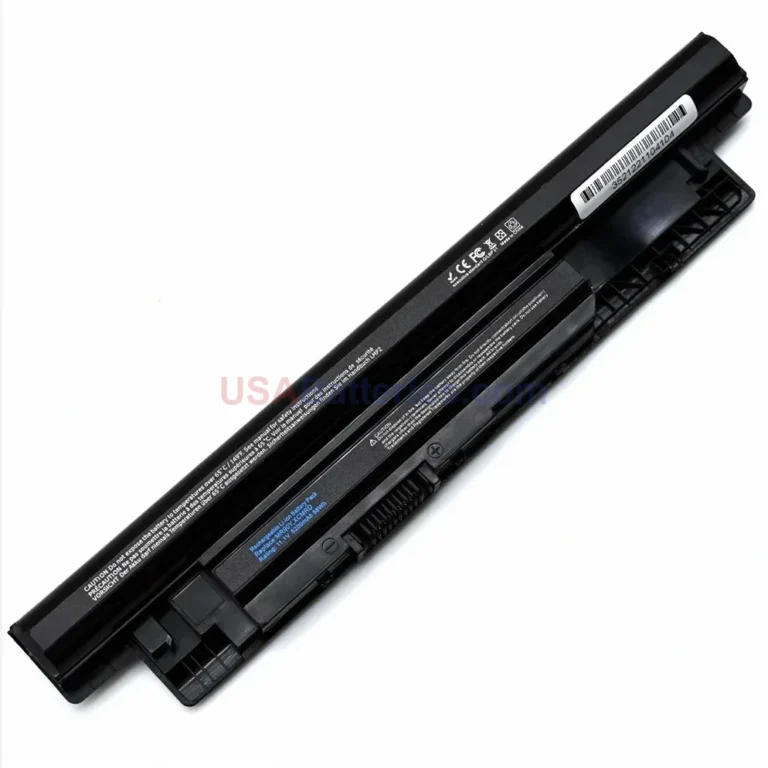
Dell 0MF69 Battery for Inspiron 15-3000
In stock

Dell 1KFH3 Battery for Inspiron 15 5551
In stock

Dell 451-BBVN Battery for Inspiron 13
In stock

Dell 4YRJH Battery for Inspiron 13R
In stock

Dell 991XP Battery for Inspiron 15 5551
In stock
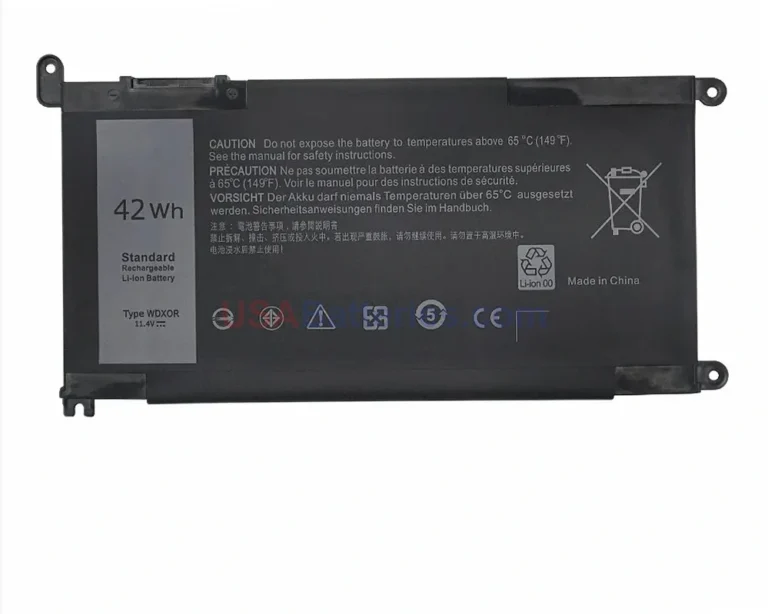
Dell FW8KR Battery for Inspiron 13 7368
In stock

Dell GXVJ3 Battery for Inspiron 15 5551
In stock

Dell Inspiron 13 7368 Battery
In stock

Dell Inspiron 13-5379 battery
In stock

Dell Inspiron 14 3480 Battery
In stock
How to find the right Dell Inspiron 15 3000 battery
Turn the laptop over. The label reads Inspiron 15 followed by a four-digit model such as 3558 or 3581, and that number is what decides the battery. If the label has worn off, open System Information from the Windows search box; the System Model line shows the same Inspiron name. With the battery out, its own label gives a part number like WDX0R or M5Y1K, which is the most exact way to match.
One caution: Dell used the 3520 name twice, years apart. The 4YRJH (11.1 V, 57.7 Wh) is the pack listed for the Inspiron 15 3520 here, so compare its shape and part number with the battery you are replacing. The WDX0R group is 11.4 V and 42 Wh (3684 mAh); the M5Y1K group is 40 Wh and 2600 mAh, with the VN3N0 listed at 14.8 V.
Dell Inspiron 15 3000 battery part numbers
Dell Inspiron 15 3000 model numbers these batteries fit
- Inspiron 15 3451, 3452, 3458, 3551, 3552, 3558, 3565, 3567 and 3576: M5Y1K, 1KFH3, 991XP, GXVJ3 or VN3N0.
- Inspiron 15 3501, 3505, 3580, 3581, 3582, 3583, 3584, 3585, 3590, 3593 and 3595: WDX0R, 451-BBVN, FW8KR, Y3F7Y, P69G or P69G001.
- Inspiron 15 3520: 4YRJH.
- Inspiron 15-3000 (listed without a model number): 0MF69, 11.1 V and 58 Wh.
Dell Inspiron 15 3000 battery questions
Is the battery in an Inspiron 15 3000 removable from outside?
On the models above it sits under the bottom cover. Remove the cover screws, pry the cover loose with a nylon pick, disconnect the battery lead at the main board first, then undo the screws holding the pack.
Should I search by the laptop model or by the battery number?
Either works in the site search. The battery number is the tighter match, because one model such as the 3581 can appear on several listings that share the same pack under different Dell numbers.
How can I tell the old battery is worn out?
On a 3558 or 3581 that dies within minutes of unplugging, the battery report from powercfg /batteryreport usually shows a full charge figure far under the design figure. A taskbar warning or a touchpad pushed up by a swollen pack means it is time; stop using a swollen battery straight away.