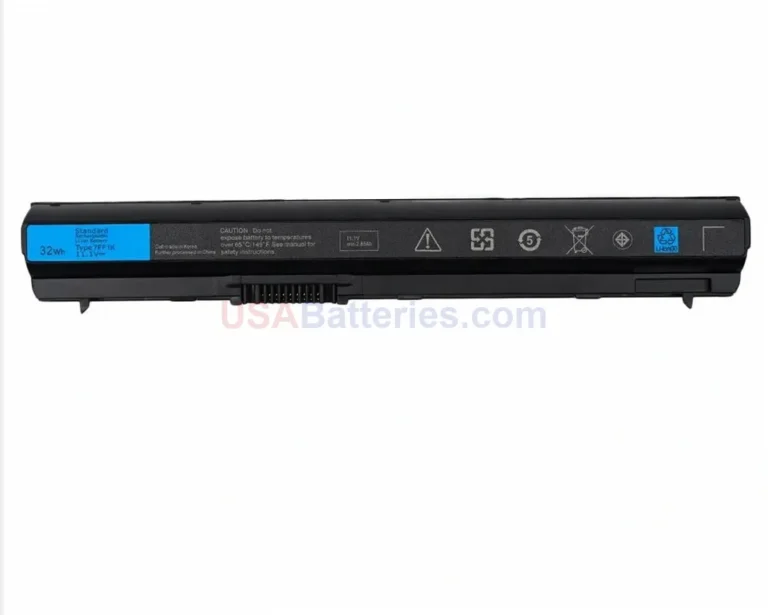
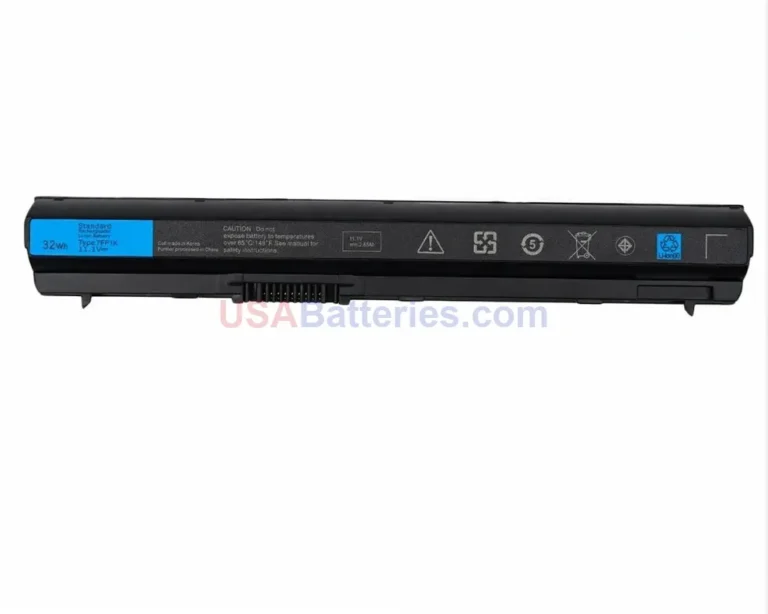
USAbatteries.com stocks 2 compatible replacement batteries for the Dell Studio series. Replacement batteries in this category are priced from $69.99 to $75.99.
The Dell Studio was a multimedia-focused consumer laptop line that launched in early 2008 and was phased out around May 2011. It sat between the budget Inspiron and the high-end XPS lines, built for creative users, students, and home media fans who wanted customizable styling and stronger performance like dedicated graphics. The lineup spanned 15-inch and 17-inch models plus a premium Studio XPS spin-off, covering the transition from Intel Core 2 Duo to early Core i-series processors across 2008 through 2011.
Dell Studio laptops run on lithium-ion packs built in 6-cell and 9-cell configurations, with capacities reaching roughly 56Wh on common 6-cell units and higher on 9-cell versions. Part numbers vary by sub-series and production year, so two laptops that look alike can take different batteries. For example, a Studio 15 (1555) uses parts like RM855 or WU946, while a Studio 17 (1747) uses a physically larger pack such as U150P or N855P, so the only safe approach is to match your exact model and the code printed on your current battery.
Always confirm your exact model number and the part number printed on your current battery before ordering.
What battery does the Studio use?
It depends on the exact Studio model, since this line uses several lithium-ion packs in 6-cell and 9-cell configurations. A Studio 15 (1555) commonly takes parts like RM855 or WU946, a Studio 17 (1747) takes a larger pack such as U150P or N855P, and a Studio XPS 16 (1645) uses U011C or W346C. Capacities reach roughly 56Wh on common 6-cell units, with 9-cell options offering more. Check the model number and the code on your current battery before buying. Prices in this category run from $69.99 to $75.99.
How do I find the right battery for my Studio model?
Start with your exact model number, such as Studio 1555 or Studio 1747, then read the label on your current battery for the Dell “Type” code or a 5 to 6 character alphanumeric part number like RM855 or U150P. Match both the model and the part number, because a 15-inch and a 17-inch Studio use physically different packs even though they share the same family name. Once you have those two details, you can confirm whether a 6-cell or 9-cell pack fits your machine.
How much does a Studio replacement battery cost?
Studio replacement batteries in this category run from $69.99 to $75.99. The exact price depends on the sub-series and whether you choose a 6-cell or 9-cell configuration, since the higher-capacity 9-cell packs hold more charge. To get the correct price for your machine, match your specific model (for example Studio 1555 or Studio 1747) and the part number printed on your existing battery, such as WU946 or N855P, so you order the pack that actually fits.
Are Studio batteries interchangeable?
Not across the whole line. A Studio 15 pack like RM855 will not fit a Studio 17, and the Studio XPS 16 uses distinct, often flatter packs like U011C that do not interchange with the standard Studio series at all. Within a sub-series there is some overlap, for instance many later Studio 15 units (1555 to 1558) share a battery. Even then, confirm the part number on your current battery before ordering, because production year can change which pack a given model accepts.
What differs between the Studio sub-series batteries?
Mainly form factor and cell count. The Studio 15 (1535 to 1558) uses 6-cell or 9-cell packs that seat in the hinge area with parts like RM855 and WU946. The Studio 17 (1735 to 1749) uses larger packs such as U150P and N855P that are physically distinct from the 15-inch units. The Studio XPS 16 (1640 to 1647) uses specialized, often flatter packs like W346C and P02E. Because these shapes differ, you must match the sub-series and the exact part number rather than relying on the Studio name alone.
Where do I find the battery part number?
Look on the label of your current battery, which lists a Dell “Type” entry or a 5 to 6 character alphanumeric code. Examples include RM855 or WU946 on Studio 15 models, U150P or N856P on Studio 17 models, and U011C or W346C on Studio XPS 16 units. You may also see a longer code like 312-0186. Power down, remove the battery, and read the printed label directly, since this code is the most reliable way to confirm an exact match for your laptop.
Can I replace the Studio battery myself?
Yes, on the standard Studio 15 and Studio 17 models the battery is user-accessible and seats into the back of the chassis near the hinge, so you power down, release the latch, slide the old pack out, and click the new one in. No tools are usually needed for these. Confirm you have the right part first, for example RM855 for a Studio 15 or U150P for a Studio 17. The Studio XPS units use distinct specialized packs, so verify your exact model before starting.
How do I know when my Dell Studio battery needs replacing?
Watch for four main signs. First, a big runtime drop, like a Studio 1555 that once ran 3 hours now lasting 30 minutes. Second, unexpected shutdowns even when Windows shows charge remaining. Third, the laptop runs only when plugged into AC and dies instantly when unplugged. Fourth, a Windows battery warning such as “Consider replacing your battery.” Any one of these points to a worn pack. A replacement runs between $69.99 and $75.99, with 9-cell options available for longer runtime.
Last updated: June 2026. Compatibility data verified before publishing.



 DellDell 2