


Filter by brands
 HPHP 4

HP 681879-1C1 Battery for Envy 4-1000
In stock
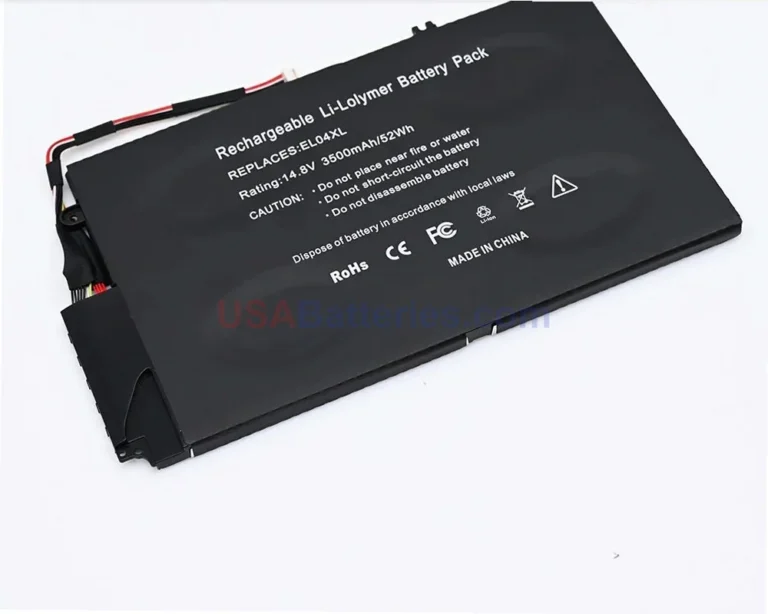
HP 681949-001 Battery for ENVY 4-1000
In stock
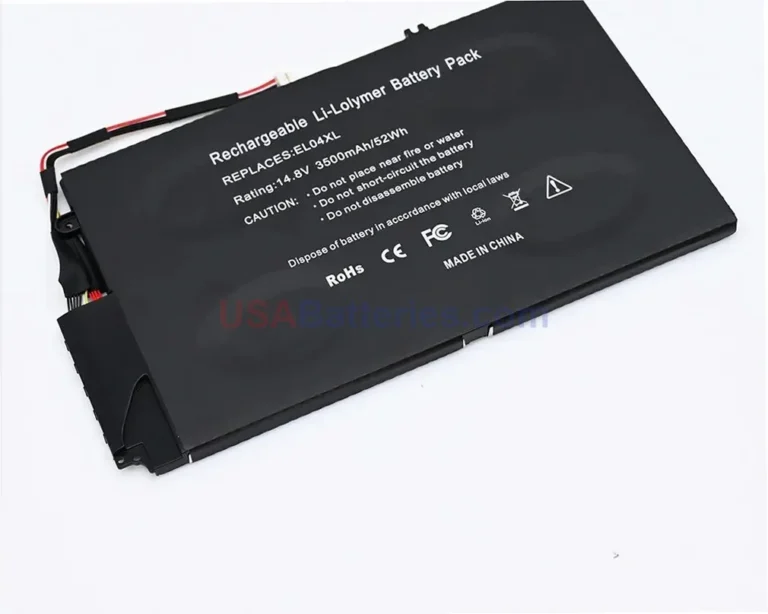
HP ENVY41015DX Battery for ENVY 4-1000
In stock
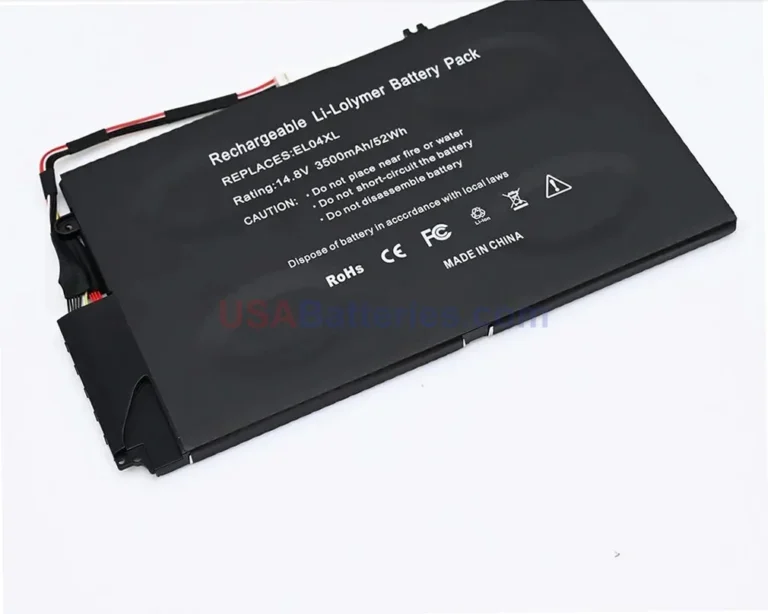
HP TPN-C102 Battery for Envy 4-1000
In stock
How to find the right HP Envy 4 battery
The Envy 4 is easy to confirm. The model label under the laptop, or the System Information box that Fn+Esc opens, reads HP Envy 4 followed by a four-digit number and a region code, such as 4-1015dx, 4-1130us or 4-1205dx. If the number falls in the 4-1000, 4-1100 or 4-1200 range, or the label says Envy 4t, you are in the right place.
The battery sits inside the case. Its own label can show 681949-001, 681879-171, 681879-1C1, EL04XL, HSTNN-IB3R, HSTNN-UB3R or TPN-C102, and every one of these names the same pack. The ENVY41015DX listing is titled for the Envy 4-1000 and carries the same 52 Wh rating.
HP Envy 4 battery part numbers
HP Envy 4 model numbers these batteries fit
Taken from the fits of 681949-001, 681879-1C1 and TPN-C102: HP Envy 4-1000 through 4-1043cl (for example 4-1000tx, 4-1015dx and 4-1040la), the HP Envy 4-1100 range (4-1105dx, 4-1115dx, 4-1130us), the HP Envy 4-1200 range (4-1201nr, 4-1205dx, 4-1215dx), and the HP Envy 4t-1000, 4t-1100 CTO and 4t-1200 CTO.
HP Envy 4 battery questions
Is TPN-C102 a battery number or a laptop number?
On the Envy 4 it shows up on the battery label and in the fits lists, and this shop sells a battery under that name. Treat it as one more code for the same 52 Wh pack as 681949-001.
What capacity is the Envy 4 battery?
The listings give 52 Wh, and 681949-001 also states 3400 mAh.
How do I fit a new battery in an Envy 4?
Turn it off and unplug it, then undo the screws on the base and lift the panel away. Unplug the battery lead from the board, take out the pack's own screws, and seat the new battery before you reconnect it and close up.
How do I know the old one is finished?
If the Envy 4 shuts down without warning on battery, will not charge past a low figure, or Windows warns that you should consider replacing your battery, it is time for a new pack.