


Filter by brands
 HPHP 11
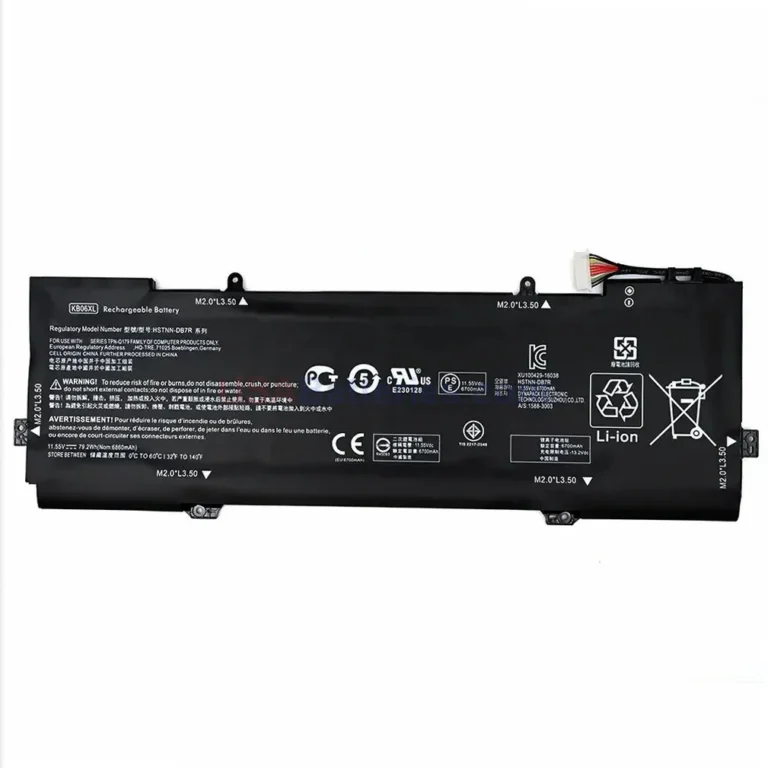
HP 15BL0XX Battery for Spectre X360 15
In stock
Original price was: $161.99.$80.99Current price is: $80.99.| Voltage | 11.55V |
|---|---|
| Brand | HP Compatible |
| Capacity | 79.2Wh / 6857mAh |
| Part Number | 15BL0XX |

HP 15BL112DX Battery for SPECTRE X360 15-BL
In stock
Original price was: $161.99.$80.99Current price is: $80.99.| Voltage | 11.5V |
|---|---|
| Brand | HP Compatible |
| Capacity | 79.0Wh / 6870mAh |
| Part Number | 15BL112DX |

HP 15BL1XX Battery for Spectre X360 15
In stock
Original price was: $161.99.$80.99Current price is: $80.99.| Voltage | 11.5V |
|---|---|
| Brand | HP Compatible |
| Capacity | 79.0Wh / 6870mAh |
| Part Number | 15BL1XX |

HP 15CH0XX Battery for Spectre X360 Convertible 15-CH
In stock
Original price was: $175.99.$87.99Current price is: $87.99.| Voltage | 11.5V |
|---|---|
| Brand | HP Compatible |
| Capacity | 84.0Wh / 7200mAh |
| Part Number | 15CH0XX |
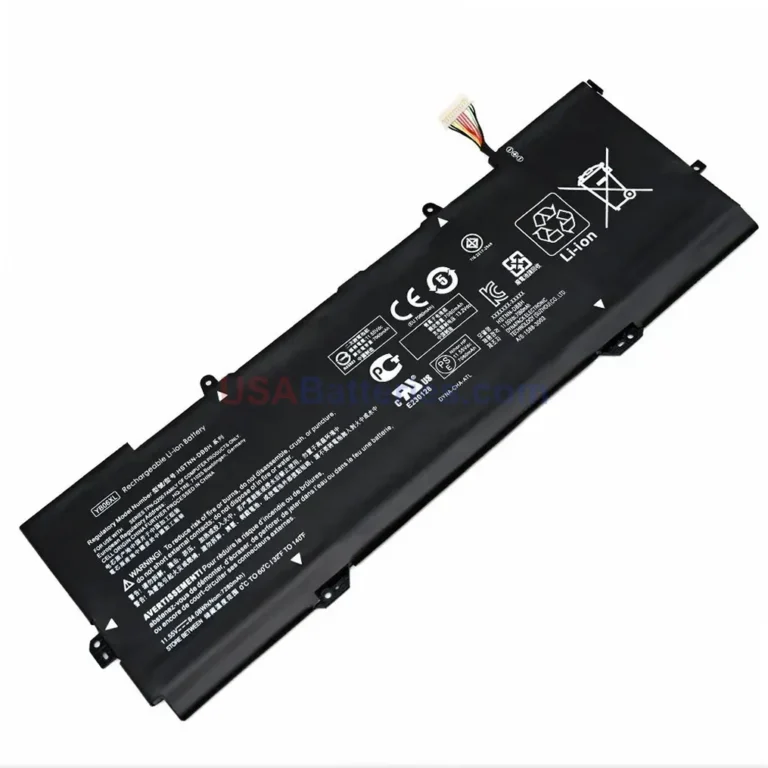
HP 15TCH000 Battery for Spectre X360 15T
In stock
Original price was: $175.99.$87.99Current price is: $87.99.| Voltage | 11.5V |
|---|---|
| Brand | HP Compatible |
| Capacity | 84.0Wh / 7200mAh |
| Part Number | 15TCH000 |

HP 902401-2C1 Battery
In stock
Original price was: $161.99.$80.99Current price is: $80.99.| Voltage | 11.55V |
|---|---|
| Brand | HP Compatible |
| Capacity | 79.2Wh / 6857mAh |
| Part Number | 902401-2C1 |

HP BL012DX Battery for Spectre x360 15-B
In stock
Original price was: $161.99.$80.99Current price is: $80.99.| Voltage | 11.55V |
|---|---|
| Brand | HP Compatible |
| Capacity | 79.2Wh / 6857mAh |
| Part Number | BL012DX |
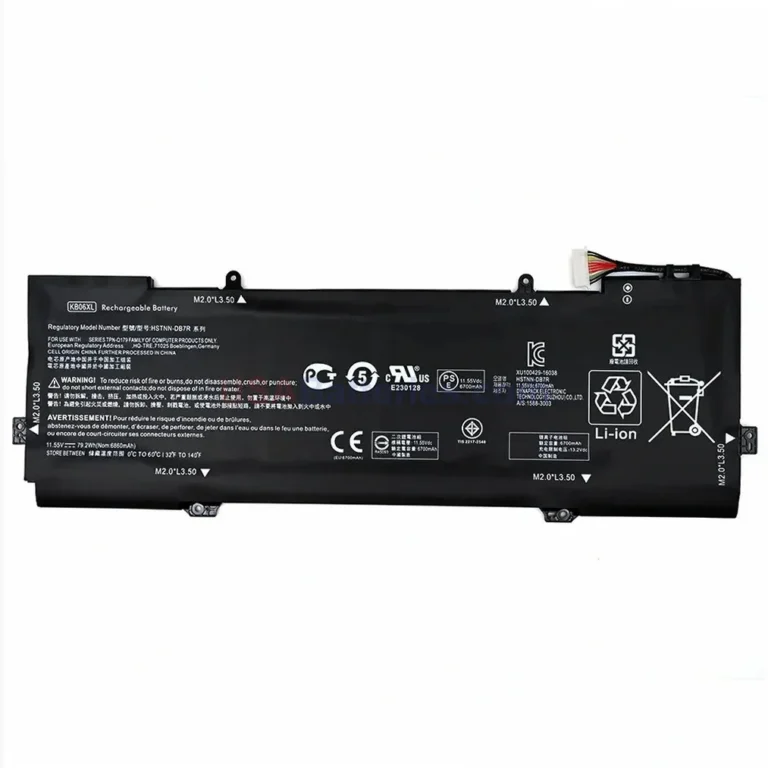
HP BL075NR Battery for Spectre x360 15-B
In stock
Original price was: $161.99.$80.99Current price is: $80.99.| Voltage | 11.55V |
|---|---|
| Brand | HP Compatible |
| Capacity | 79.2Wh / 6857mAh |
| Part Number | BL075NR |
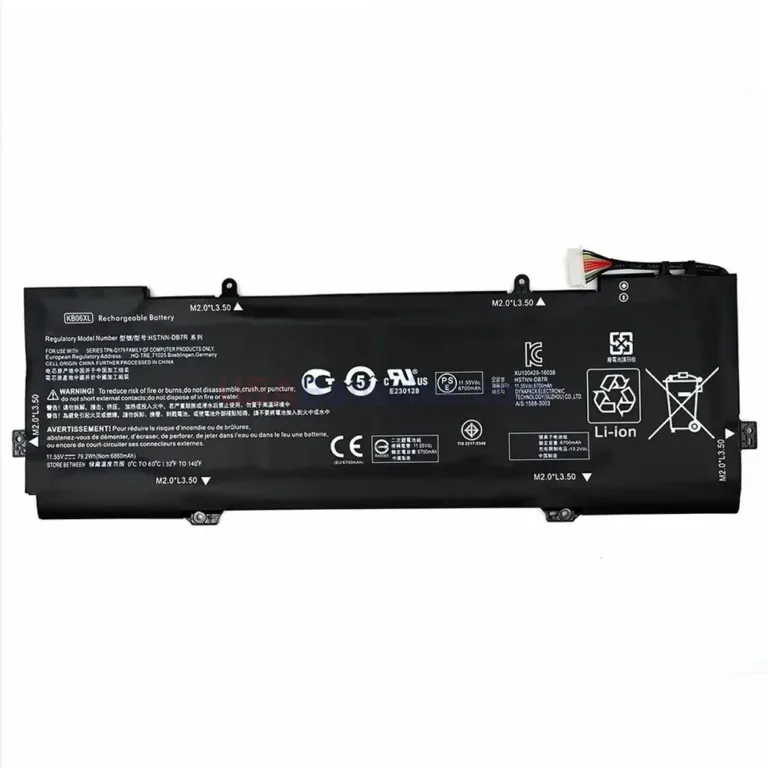
HP BL100 Battery for Spectre x360 15-B
In stock
Original price was: $161.99.$80.99Current price is: $80.99.| Voltage | 11.55V |
|---|---|
| Brand | HP Compatible |
| Capacity | 79.2Wh / 6857mAh |
| Part Number | BL100 |
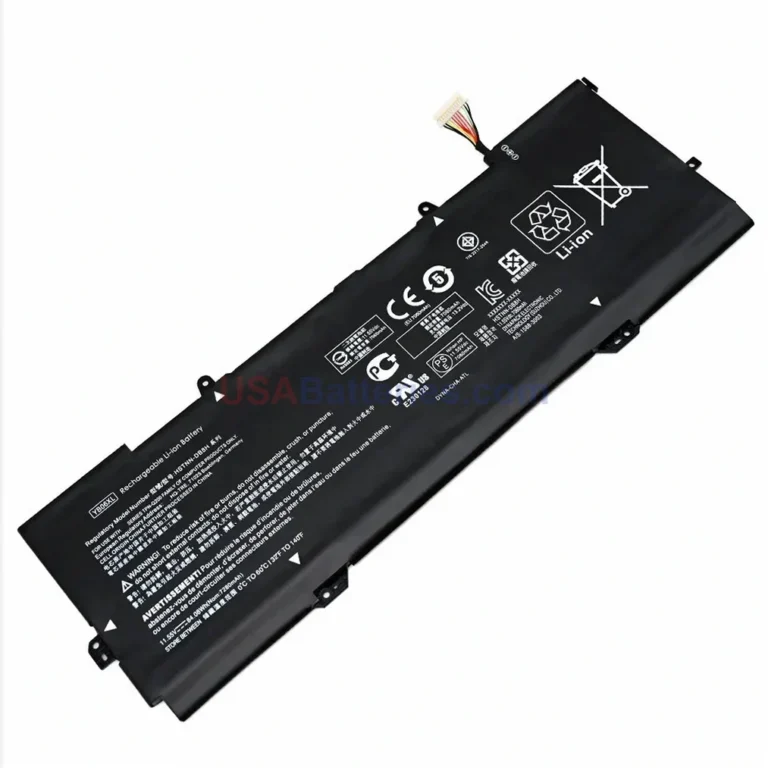
HP CH011DX Battery for Spectre X360 15-CH
In stock
Original price was: $175.99.$87.99Current price is: $87.99.| Voltage | 11.5V |
|---|---|
| Brand | HP Compatible |
| Capacity | 84.0Wh / 7200mAh |
| Part Number | CH011DX |
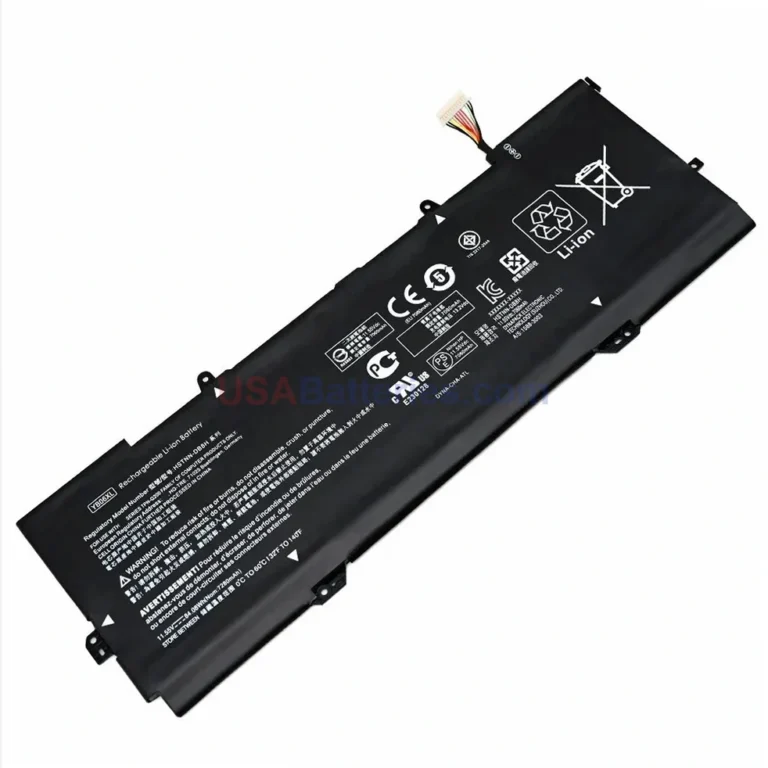
HP HSTNN-DB8H Battery for Spectre X360 15
In stock
Original price was: $175.99.$87.99Current price is: $87.99.| Voltage | 11.5V |
|---|---|
| Brand | HP Compatible |
| Capacity | 84.0Wh / 7200mAh |
| Part Number | HSTNN-DB8H |
How to find the right HP Spectre x360 15 battery
The model sticker under the laptop, or HP System Information (Fn+Esc on most HP notebooks), shows a name such as HP Spectre x360 15-bl012dx or 15-ch011dx. Those letters after 15- decide the battery. A 15-bl0xx, 15-bl1xx or 15t-bl points to 902401-2C1, and that pack's fits also list the 15-df0xx. A 15-ch0xx or 15t-ch0xx points to HSTNN-DB8H.
On the pack itself, the 15-bl battery can read KB06XL, 902499-855, HSTNN-DB7R or TPN-Q179. Matching any of them is as good as matching the model. The two families differ in capacity, so pick by code, not by screen size alone.
HP Spectre x360 15 battery part numbers
HP Spectre x360 15 model numbers these batteries fit
- 902401-2C1 (79.2 Wh / 6857 mAh): HP Spectre x360 15-bl0xx, HP Spectre x360 15-bl1xx, HP Spectre x360 15t-bl0xx, HP Spectre x360 15t-bl1xx, HP Spectre x360 15-bl05na and HP Spectre x360 15-df0xx.
- HSTNN-DB8H (84 Wh / 7200 mAh): HP Spectre x360 15-ch0xx, HP Spectre x360 15t-ch0xx and the HP Spectre x360 15 2018.
- Model-named listings: BL012DX, BL075NR, BL100, 15BL0XX, 15BL1XX and 15BL112DX carry 15-bl model names and are titled for the Spectre x360 15; CH011DX, 15CH0XX and 15TCH000 carry 15-ch names.
HP Spectre x360 15 battery questions
Why do some 15-bl listings say 79.0 Wh and others 79.2 Wh?
Each listing copies its own label. 15BL112DX and 15BL1XX state 11.5 V, 79.0 Wh and 6870 mAh, while 902401-2C1 and the BL listings state 11.55 V, 79.2 Wh and 6857 mAh. All of them belong to the 15-bl family.
Which battery does a 2018 Spectre x360 15 take?
The 2018 model is the 15-ch, and HSTNN-DB8H names it in its fits along with the 15t-ch0xx. The 15CH0XX, CH011DX and 15TCH000 listings carry the same 11.5 V, 84 Wh rating.
Is the battery easy to reach?
It sits inside, under the bottom cover. Power the laptop off, take out the cover screws, lift the cover with a plastic tool, and disconnect the battery lead before removing the pack.