


Lenovo 17ADA05 Battery for IdeaPad 3 17IIL
In stock
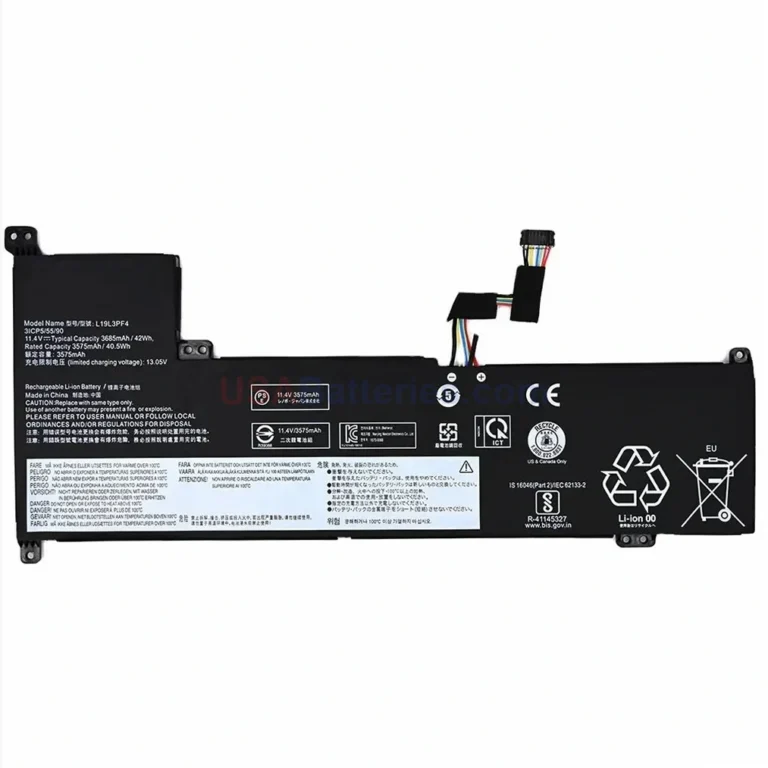
Lenovo 17IML05 Battery for IdeaPad 3 17IIL
In stock
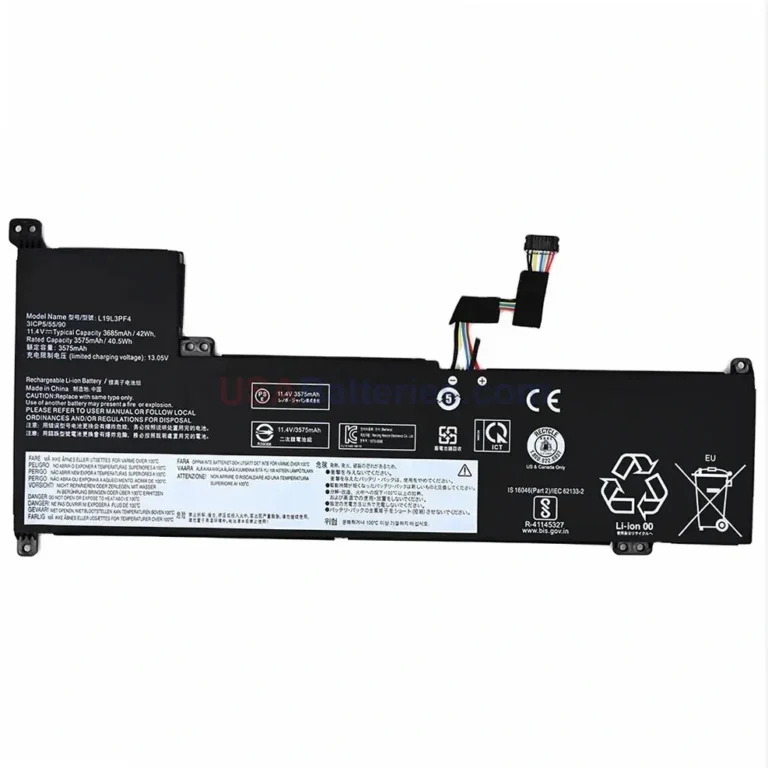
Lenovo 5B10W89846 Battery for IdeaPad 3 17IIL
In stock
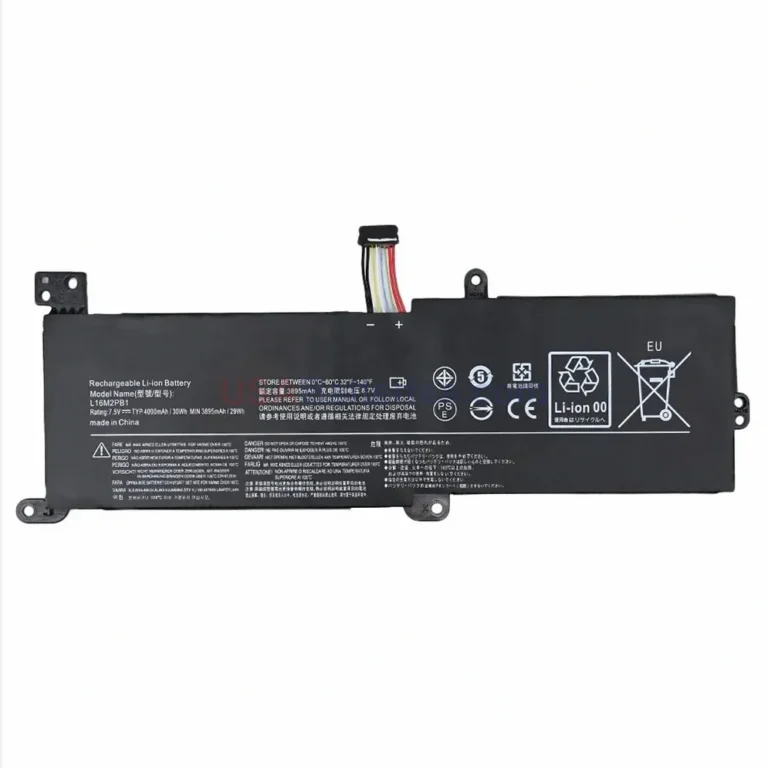
Lenovo L16M2PB1 Battery for IdeaPad 320
In stock

Lenovo L19D3PF5 Battery for IdeaPad 320
In stock
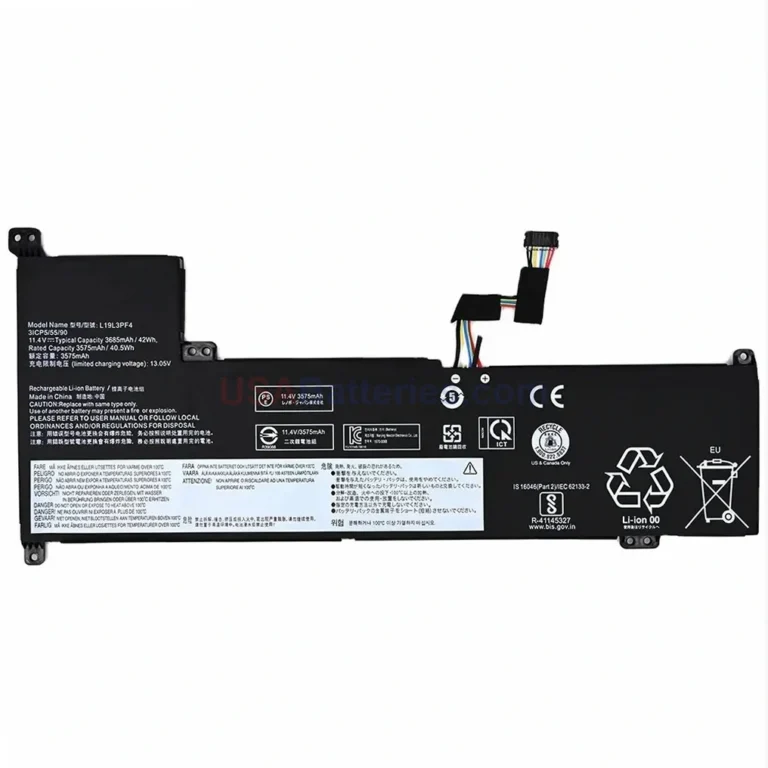
Lenovo L19L4PF2 Battery for IdeaPad 3-17IIL05
In stock
How to find the right Lenovo IdeaPad 3 battery
Start with the label under the laptop. Lenovo prints the full model name there, for example IdeaPad 3 15IIL05 or IdeaPad 3-17ADA05, next to a short machine type. The two digits after the 3 are the screen size. The letters after them name the processor platform: IIL, IML and IGL are Intel versions, ADA and ARE are AMD versions.
If the battery is already out, its label is even better. Look for a model code such as L19D3PF5 or L16M2PB1, or a part number such as SB10X02596. Then check the voltage. On the 14 and 15 inch models the packs listed here are 7.5 V (L16M2PB1) or 11.0 V (L19D3PF5), so order the one whose voltage matches the label inside your laptop.
Lenovo IdeaPad 3 battery part numbers
Lenovo IdeaPad 3 model numbers these batteries fit
- 14 inch: IdeaPad 3-14ADA05, 3-14ARE05, 3-14IIL05, 3-14IGL05 and 3-14IML05. L16M2PB1 lists the first four; L19D3PF5 lists the 3-14ADA05, 3-14IIL05 and 3-14IML05.
- 15 inch: IdeaPad 3 15IIL05, 3-15IML05, 3-15ADA05, 3-15ARE05 and 3-15IGL05. Both L16M2PB1 and L19D3PF5 list the 15IIL05 and 3-15IML05.
- 17 inch: IdeaPad 3-17ADA05, 3-17ARE05, 3-17IIL05 and 3 17IML05, all with the 15.2 V, 56 Wh pack sold as L19L4PF2, 5B10W89846, 17ADA05 and 17IML05.
Lenovo IdeaPad 3 battery questions
Is there one battery for every IdeaPad 3?
Not across all three sizes. The 17 inch models have their own 15.2 V pack with 56 Wh (3684 mAh). The 14 and 15 inch models use L19D3PF5 at 11.0 V and 45 Wh, or L16M2PB1 at 7.5 V and 30 Wh.
My IdeaPad 3 15IIL05 is listed with two batteries. Which one do I order?
Read the voltage on the battery inside your laptop. If it says 11.0 V, choose L19D3PF5; if it says 7.5 V, choose L16M2PB1. The higher figure in Wh only helps when the voltage is the same.
How do I get to the battery in an IdeaPad 3?
Shut the laptop down fully and unplug the charger. Take out the bottom cover screws, work around the edge with a plastic pry tool until the cover lifts, disconnect the battery plug at the motherboard, then lift the pack out and set the new one in its place.
How can I tell the battery is worn out?
Run powercfg /batteryreport in a Windows command prompt; the report lists design capacity next to full charge capacity. A big gap, a laptop that shuts down well above 0 percent, or a bottom cover that bulges all point to a new battery.