


Lenovo 0A36311 Battery for IdeaPad N580
In stock

Lenovo 0A36311 Battery for IdeaPad P580
In stock
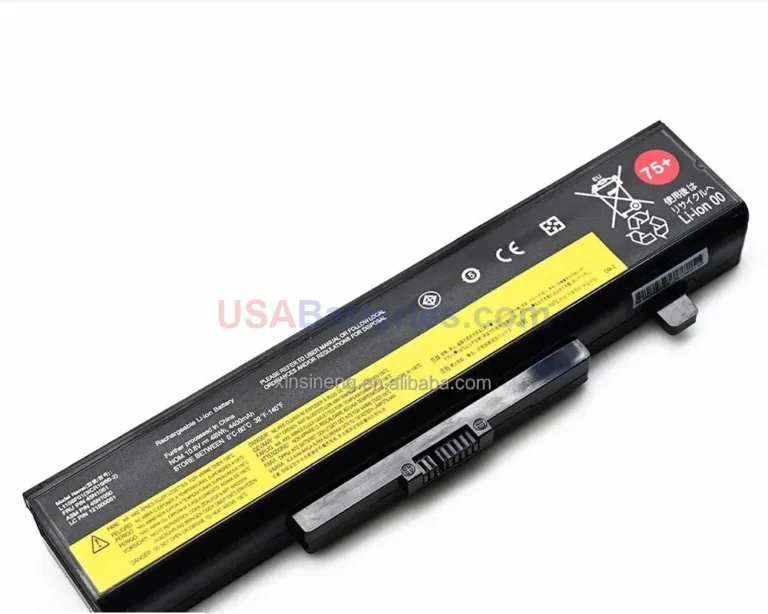
Lenovo L11L6F01 Battery for G480
In stock
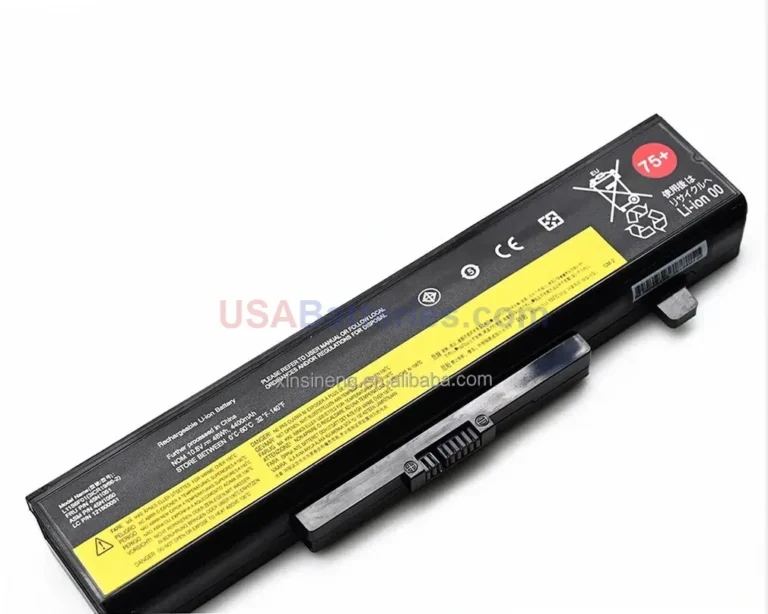
Lenovo L11L6F01 Battery for G500
In stock
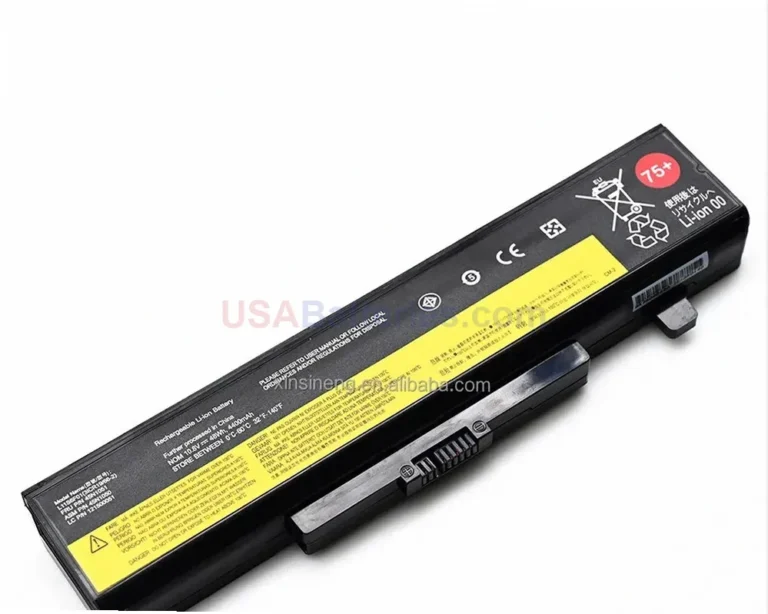
Lenovo L11L6F01 Battery for IdeaPad G780
In stock
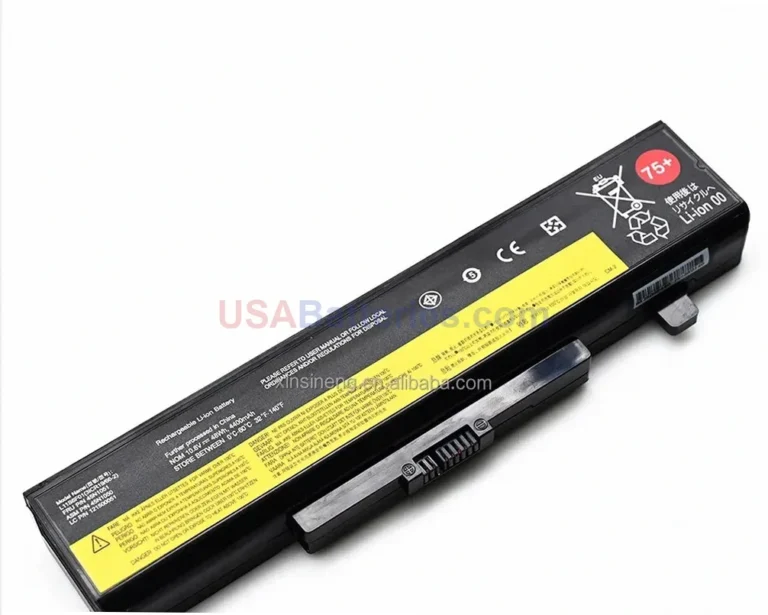
Lenovo L11L6F01 Battery for IdeaPad Z380
In stock
How to find the right IdeaPad G580 or Z580 battery
Because this battery comes out without tools, you can read its label in a minute: power off, flip the laptop over, push the release latches and lift the pack out. The label shows L11L6F01 or a related Lenovo code, the voltage, which should read 11.1 V, and the capacity.
The sticker on the base gives the model name and a machine type number. G480 listings include types such as 2184 and 2688, and G580 listings include 2189 and 2689. Your old battery may say 48 Wh (4324 mAh) or 58 Wh (5200 mAh); both L11L6F01 versions list the same models, and the 58 Wh one simply stores more.
IdeaPad G580 and Z580 battery part numbers
In order, the L11L6F01 links are the G500 listing (58 Wh, 5200 mAh) and the G480, Z380 and G780 listings (48 Wh, 4324 mAh). The 0A36311 links are for the N580 (57.7 Wh) and the P580 (58 Wh).
IdeaPad G580, Z580 and related models these batteries fit
- L11L6F01: IdeaPad G480 (2184-27U, 2688-2AU, 2688-2LU), G485, G580 (2189-82U, 2189-8AU, 2689-3DU), G585, Z480, Z485, Z580, Z585 and Z380; the G780 is on the G780 listing.
- 0A36311: IdeaPad N580 and IdeaPad P580, both at 11.1 V and 5200 mAh.
IdeaPad G580 and Z580 battery questions
Is the 58 Wh L11L6F01 a better choice than the 48 Wh one?
Both are 11.1 V and list the same G480, G580 and Z580 models. The 58 Wh version holds more energy, so it runs longer on each charge.
Can I keep using the laptop on the charger without a battery?
Yes, these models run from the charger with the battery removed. Keep the new pack charged and store it at about half charge if you will not use it for a while.
My G580 battery shows plugged in, not charging. Does it need replacing?
That message often means the pack is worn out or its charge circuit has failed. Reseat the battery first; if the message stays, a new L11L6F01 is the usual fix.